
Blog · · AuraNexas Web Team
AI Chatbot for Small Business: Setup and When It Pays Off
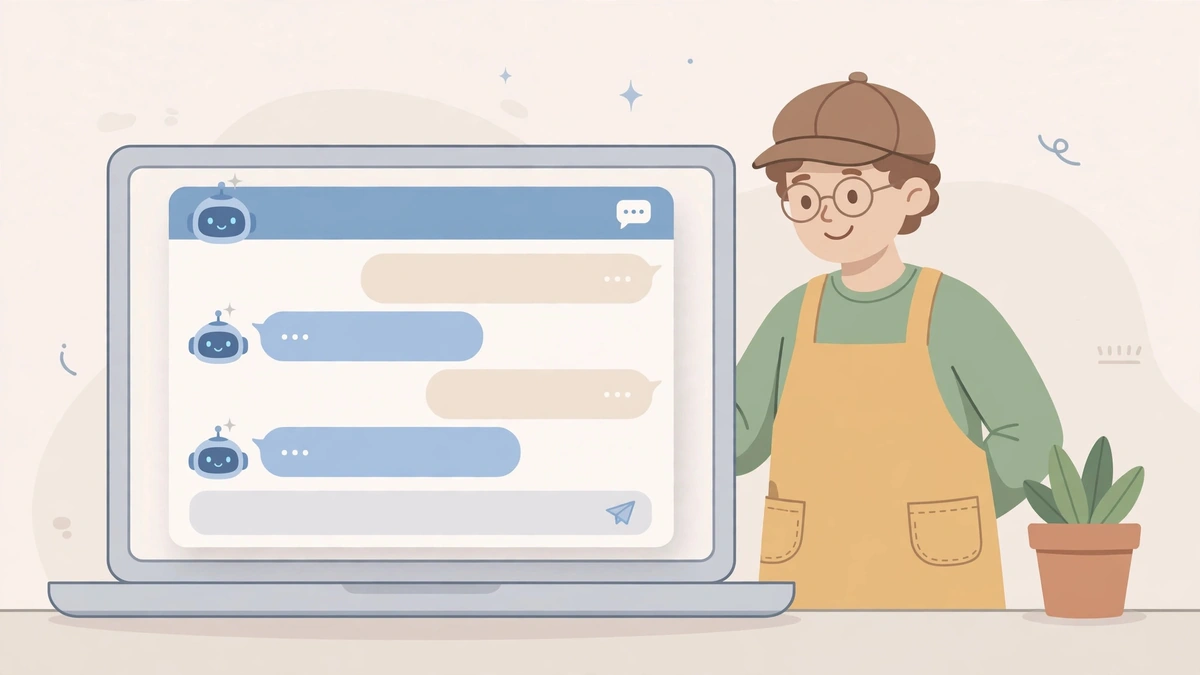
An AI chatbot for a small business is a website or messaging assistant that answers repeat customer questions from your own information, captures enquiries after hours, and hands anything unusual to a person. It pays off when the same five questions arrive every week; it fails when it guesses answers instead of saying it does not know.
Most small businesses do not need a chatbot that can do everything. They need one that can do five things reliably: opening hours, prices, availability, delivery, and how to book. If those five questions fill your inbox every week, a chatbot earns its place. If every enquiry is different, a phone number and a fast email reply will serve customers better.
This guide covers what a chatbot actually is, how to set one up in a day, what it costs, and when it is the wrong choice. The examples are illustrative, not claims about any real business, and the platform names are the ones 2026 guides recommend most often — not a paid ranking.
What is an AI chatbot for a small business?
An AI chatbot is a chat window on your website or messaging app that answers customer questions using information you provide, such as your services, prices, hours, and policies. It takes the enquiry, gives a sourced answer or collects the visitor's details, and passes the conversation to a person when the question is unusual, angry, or about money.
The important word is "sourced". A modern chatbot built on a large language model can sound confident about anything, including things it invented. The fix is to train it only on your own material — your website pages, your FAQ, your price list — and to give it one firm instruction: when it does not know, say so and hand over. A chatbot that guesses a price is worse than no chatbot at all.
The question log is the test before you buy anything. Write down every customer question for two weeks. If the same questions repeat, a chatbot can answer them at midnight as well as at noon. Brevwork's 2026 guide makes the same point with numbers: a chatbot is a strong fit when a business gets more than twenty enquiries a week and more than half are repetitive, and probably not worth it below ten enquiries a week.
How do you set up a chatbot in a day?
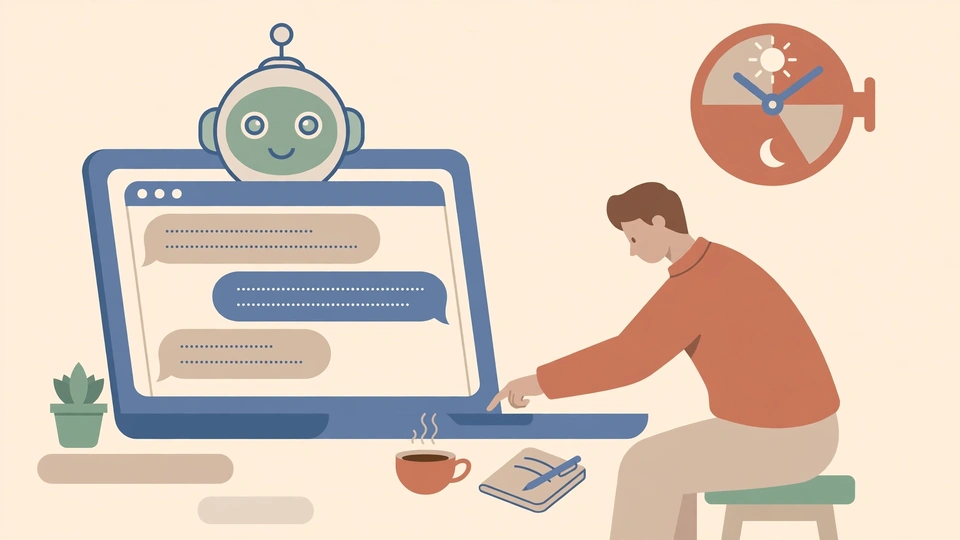
List your ten most-asked questions, write one short approved answer for each, and feed those answers to the chatbot as its only knowledge. Add it to your busiest page, set it to hand over to a person when it cannot answer, and read its first fifty conversations before you trust it alone.
- Collect the questions. Two weeks of emails, messages, and call notes. Ten questions cover most small businesses.
- Write the approved answers. One short answer each, in your own words, with the price or hours stated plainly. These are the only facts the chatbot may use.
- Pick a hosted platform. 2026 guides most often recommend Tidio, Intercom, Drift, and Crisp for small businesses; most offer a free tier to start, and setup is usually one to two hours.
- Put it on one page first. Your homepage or busiest service page, not every page at once.
- Set the handover rule. Anything the chatbot cannot answer, any complaint, and anything about money goes to a person, with the conversation history attached.
- Read the first fifty chats. The first month shows where its knowledge is thin. Fix the answers, not the chatbot.
What does a chatbot cost?
Most small businesses start on a free tier or a low monthly plan from a hosted chatbot platform, then pay more only when chat volume or team seats grow. A custom build costs far more and is rarely the right first step. Budget for the monthly plan plus one hour a week of someone reading conversations and fixing wrong answers.
The hidden cost is the weekly review. A chatbot without it is an unmonitored employee talking to your customers: it will keep giving a wrong answer until someone notices. One hour a week — reading conversations, correcting answers, adding the new questions customers actually asked — is the real running cost, and it is the difference between a chatbot that helps and one that embarrasses.
Measure it the same way as any first automation project: pick one number before you start, such as enquiries answered after hours or hours saved on repeat questions, record the baseline for two weeks, and compare after a month. The method is the same pilot plan in our AI automation guide — one workflow, one approval step, four weeks, then decide.
When is a chatbot the wrong choice?
A chatbot is the wrong choice when you get fewer than ten enquiries a week, when every question is different, or when customers mostly need a person — complaints, custom quotes, and sensitive problems. In those cases a fast email reply or a phone number on the page serves customers better than a chat window that guesses.
Email automation is often the better first step: sorting enquiries, drafting replies, and routing leads can save hours a day without any customer ever seeing an AI interface. If your team answers enquiries within an hour during the working day and nothing is missed, you may not need a chatbot at all — and an honest agency will tell you so.
If you want help deciding, the starting point is your question log, not a product demo. Visit AuraNexas and bring the ten questions your customers actually ask.
Want help with this?
AuraNexas builds AI automation, chatbots, websites, branding, and lead generation for small businesses. Tell us the one job in this guide that costs your team the most time, and we will scope it with you — no obligation, no invented promises.
Frequently asked questions
- What should a small-business chatbot answer?
- The repeat questions: hours, prices, availability, delivery, and how to book. Anything unusual, angry, or about money should go to a person.
- How long does it take to set up a chatbot?
- A hosted platform usually takes one to two hours to connect and train on ten approved answers. The weekly review — reading conversations and fixing wrong answers — is the ongoing work.
- Do I need a chatbot if I answer emails fast?
- Probably not. If your team answers enquiries within an hour during the working day and nothing is missed, email automation is the better first step.
About the author
AuraNexas Web Team — Web Lead, final-year BSc (Hons.) Agriculture student, The Islamia University of Bahawalpur (IUB). AuraNexas is a digital agency offering AI automation, chatbots and SaaS, web and app development, branding and UI/UX, lead generation, ads and cold email, AI UGC and video sales letters, e-commerce, and virtual assistance. Team: Web Lead (owner/CEO), Muhammad Waseem (AI automation), Ali Hasnain (AEO/GEO). No client results, testimonials, or revenue figures are claimed in this article.
Sources
- Agent Best AI, "Chatbot for Small Business: Benefits & Setup Guide 2026" — What a small-business chatbot should handle, and that AI use among the smallest firms is still low (U.S. Census Bureau data, late 2025–May 2026). Opened via search 17 Nov 2026.
- Brevwork, "AI Chatbots for Small Business: A Complete 2026 Guide" — Fit test (20+ enquiries a week, 50%+ repetitive), platforms most recommended (Tidio, Intercom, Drift, Crisp), 1–2 hour setup. Opened via search 17 Nov 2026.
- BoringWork, "AI Chatbots for Small Business: Complete Implementation Guide 2026" — Free tiers for Tidio and Crisp; the gap between instant replies and 4–24 hour small-business response times. Opened via search 17 Nov 2026.