
Blog · · AuraNexas Web Team
Human-in-the-Loop AI Automation for Business Workflows
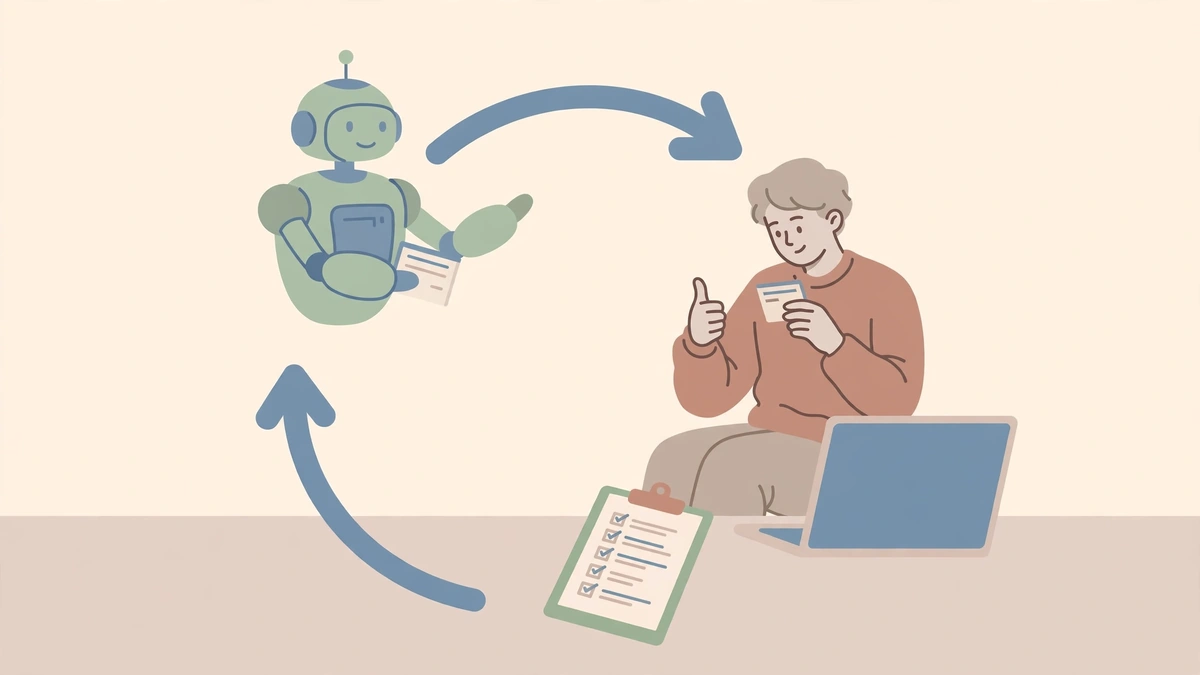
Human-in-the-loop AI automation means a person reviews, corrects, or approves what an AI system produces at set points before it takes effect, so the system never acts entirely on its own. In a business, that usually means the AI does the reading, sorting, and drafting, and a person signs off before anything goes to a customer, money moves, something is published, or data is deleted.
The goal is not to send every decision to a reviewer. It is to define which actions can run automatically, which need evidence and approval, and which must stop or escalate. Done well, the person reviews a handful of decisions a day rather than every keystroke — and every step is logged.
What human-in-the-loop actually means (and its two neighbours)
Three levels of oversight exist, and most good systems use all three, choosing per action. Human-in-the-loop: the AI cannot finish a step until a person acts. Human-on-the-loop: the AI acts on its own while a person watches and can step in. Fully automatic: the AI acts and nobody watches — appropriate only where a mistake is cheap, reversible, and easy to spot.
Decide, for each AI task, which step a person must approve before the result counts. For a small business, the steps that matter are usually the ones that leave the building (an email to a customer), touch money (a reimbursement, a price), or make a promise (a date, an outcome).
The four control levels
| Control level | Suitable actions | Human role | Required evidence |
|---|---|---|---|
| Observe | Search, classify, summarise, draft without changing a system | Review samples, monitor quality | Input, output, source references |
| Recommend | Suggest a decision, next step, or record update | Accept, reject, or edit the recommendation | Reason, supporting data, expected effect |
| Approve before action | Send, update, refund, schedule, publish, change access | Review an evidence pack before execution | Proposed action, affected record, policy checks, approver, timestamp |
| Block or escalate | High-impact, ambiguous, out-of-policy, or irreversible action | Resolve the exception or cancel the action | Trigger reason, failed checks, escalation owner, expiry time |
The approval gate must sit outside the model. The model can recommend; the code decides whether the action runs. What an agent is permitted to do must be decided outside the model, in permissions and deterministic checks — because a language model receives data and instructions as a single stream, and instructions buried in that stream can be overridden by content it reads.
Five review patterns that work
- Approve before send. The AI writes a draft. A person approves, edits, or rejects it, and only then does it go out. This is the default for customer messages, quotes, payments, and publishing.
- Review queues. Rather than interrupting someone for every item, the AI collects proposed actions in a queue and a person clears it in batches.
- Sampling. For low-risk, high-volume work, a person reviews a random sample — say 10% — and the error rate in the sample decides whether the workflow keeps running unsupervised.
- Exception queues. Anything the AI is unsure about, anything that fails a rule check, and anything out of policy goes to an exception queue with its reason attached.
- Audit trails. Every action is logged with its input, output, approver, and timestamp. The audit trail is what makes on-the-loop review possible.
Designing the evidence pack
A notification or an approval button alone does not establish that a meaningful review occurred. The reviewer needs enough evidence to assess the proposal: the exact text or action proposed, the record it affects, the current value and the proposed value, the reason the AI chose it, and what checks already passed or failed.
Approval must also bind to the exact proposal reviewed. Consider a refund: the AI proposes refunding an order to the original payment method, a manager approves — but before the payment runs, somebody changes the bank details. If the approval authorised "a refund" rather than that specific refund to that specific destination, the design has failed. Give the workflow explicit states — proposed, awaiting review, approved, executing, completed — and do not use a single "done" flag for both human approval and successful execution.
Budgeting review time — the maths that decides whether the design survives
Review is a cost, and a design that ignores it will be abandoned. Budget it before you build: items per day × minutes per review = minutes of review per day. Twenty drafts at one minute each is twenty minutes — affordable. Two hundred classifications at thirty seconds each is a hundred minutes — not affordable, and the team will start approving blindly, which is worse than no review at all.
When the maths does not work, change the design, not the discipline: move low-risk items to sampling, batch the queue, tighten the criteria so fewer items need review, or narrow the workflow's scope. A review step is about the cheapest risk control you can add — Gartner named inadequate risk controls as one of the three reasons over 40% of agentic AI projects are predicted to be cancelled by the end of 2027 — but only if a human can actually do it every day.
When review is overkill — and when removing it is the mistake
Gate actions that are external, financial, public, destructive, or binding. Let reversible internal work run with sampling: summarising a meeting, drafting an internal note, sorting a queue. The rule of thumb is the cost of being wrong: if a mistake is cheap and easy to fix, sampling is enough; if it costs a customer, money, or a legal problem, approve before action.
The law is moving the same way. Article 14 of the EU AI Act requires high-risk AI systems to be built so people can oversee them effectively, including being able to disregard, override, or reverse the output and to stop the system. And the cautionary tale is real: in Moffatt v. Air Canada, a Canadian tribunal held the airline to a bereavement-refund policy its website chatbot invented, rejecting the argument that the chatbot was responsible for its own statements.
A one-page HITL design sheet for your first workflow
Name the risky output. Stop the AI before it — drafts instead of sends, a sheet instead of a post, a status instead of a decision. Give it a facts list the AI must use. Say who reviews and when. Make the review quick: drafts in the right thread, one row per item, a note saying what to check. Test with your own address and fake data before real customers see anything. Then run it for a month and count: how many items, how many minutes, how many errors caught. That count is the proof the design works — or the signal to change it.
Our implementation guide covers the build sequence this design sits inside, and our AI automation guide states the rule this article designs for: AI prepares, a person decides. If you want help designing the approval step for your workflow, visit AuraNexas and describe the one action you are most worried about automating.
Want help with this?
AuraNexas builds AI automation, chatbots, websites, branding, and lead generation for small businesses. Tell us the one job in this guide that costs your team the most time, and we will scope it with you — no obligation, no invented promises.
Frequently asked questions
- What is human-in-the-loop AI?
- A setup where a person reviews, corrects, or approves what an AI system produces at set points before it takes effect, so the system never acts entirely on its own.
- What is the difference between human-in-the-loop and human-on-the-loop?
- In-the-loop means the AI cannot finish a step until a person acts. On-the-loop means the AI acts on its own while a person watches and can step in.
- Which actions always need human approval?
- Anything external, financial, public, destructive, or binding: sending to a customer, refunds, prices, publishing, deleting records, changing access.
- Does human review slow automation down too much?
- Only if the design ignores the review budget. Batch approvals, sample low-risk work, and tighten criteria so fewer items need review.
About the author
AuraNexas Web Team — Web Lead, final-year BSc (Hons.) Agriculture student, The Islamia University of Bahawalpur (IUB). AuraNexas is a digital agency offering AI automation, chatbots and SaaS, web and app development, branding and UI/UX, lead generation, ads and cold email, AI UGC and video sales letters, e-commerce, and virtual assistance. Team: Web Lead (owner/CEO), Muhammad Waseem (AI automation), Ali Hasnain (AEO/GEO). No client results, testimonials, or revenue figures are claimed in this article.
Sources
- KUMO, "Human-in-the-Loop Approval Workflows for AI: 4 Levels (2026)" — Four control levels; approval gate outside the model; evidence pack per action. Confirmed via search 18 Nov 2026.
- TeamShift, "Human in the loop AI: patterns, rules, and pitfalls" — In/on-the-loop distinction; EU AI Act Art. 14; GDPR Art. 22; Moffatt v. Air Canada; Gartner 40% cancellation prediction. Confirmed via search 18 Nov 2026.
- Ynteractive, "Human in the loop AI: Keep a Person in Charge" — Small-business design checklist: name the risky output, stop the AI before it, name the reviewer, test with fake data. Confirmed via search 18 Nov 2026.
- PixelField, "Human-in-the-Loop AI: How It Works, with an Approval Example" — Approval binds to the exact proposal; explicit workflow states; OWASP excessive-agency guidance. Confirmed via search 18 Nov 2026.
- CodersBay, "Human-in-the-loop AI workflow checklist" — Choose the decision, show the reviewer enough evidence, define rejection/correction/waiting/escalation. Confirmed via search 18 Nov 2026.