
Blog · · AuraNexas Web Team
Signs Your Website Needs a Redesign (and When It Doesn't)
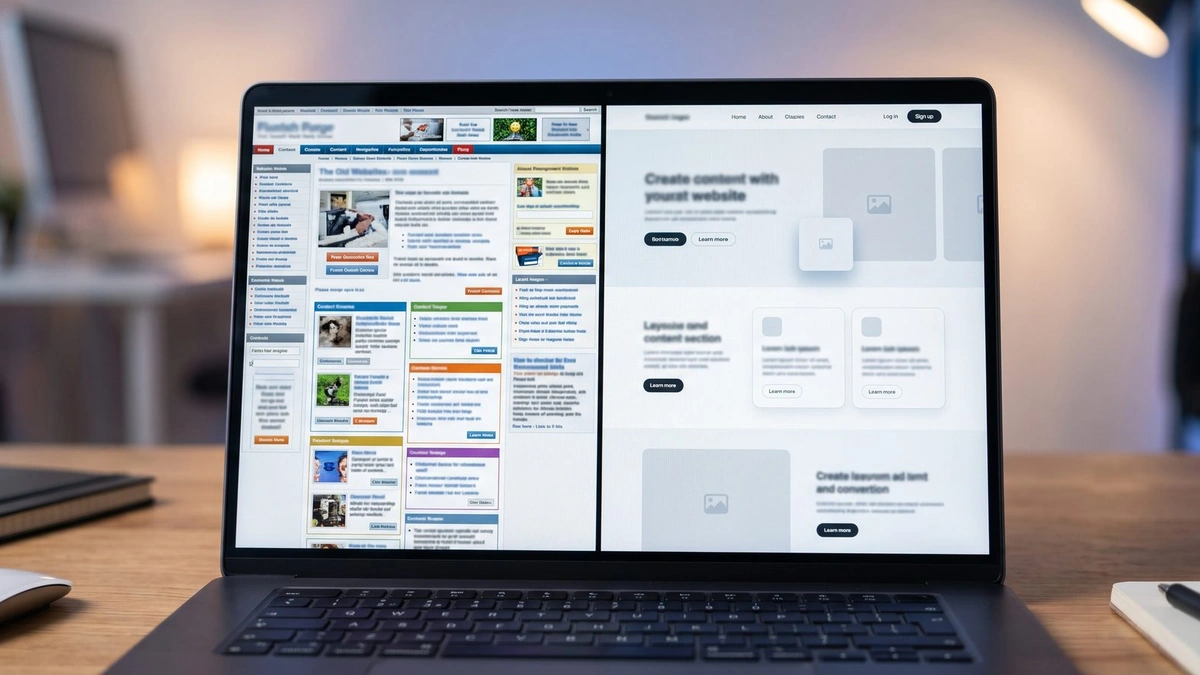
Your website needs a redesign when it fails on a phone, loads slowly, no longer describes what you sell, or brings in visitors who never contact you. Age alone is not the reason. If three or more of those problems appear together, a redesign usually pays for itself; if only one appears, a targeted fix is often enough.
That last sentence is the one most redesign articles bury. A website can look dated and still do its job well; a modern-looking one can fail at it. The question is never "is my site old?" It is "is my site helping the business, or getting in its way?" A five-year-old site bringing in steady enquiries may only need fresh photos, while a two-year-old site nobody can edit that breaks on a phone may need a full rebuild now.
This guide answers that question yourself in about ten minutes, without hiring anyone first: the ten signs that matter, how to check each one, and a scored audit that tells you whether to fix, refresh, or redesign.
What are the signs your website needs a redesign?
The signs are a site that breaks on a phone, takes more than three seconds to load, shows services you no longer sell, and gets visits but no enquiries. Add security warnings, a design that embarrasses you when you share the link, and a site nobody on your team can update. Three or more together mean redesign, not repair.
That is the short answer. The rest of this article is the evidence behind it — what each sign costs you, how to check it in minutes, and what size of fix it actually calls for. Work through the ten signs below and keep a tally. The audit at the end turns the tally into a decision.
1. It is hard to use on a phone
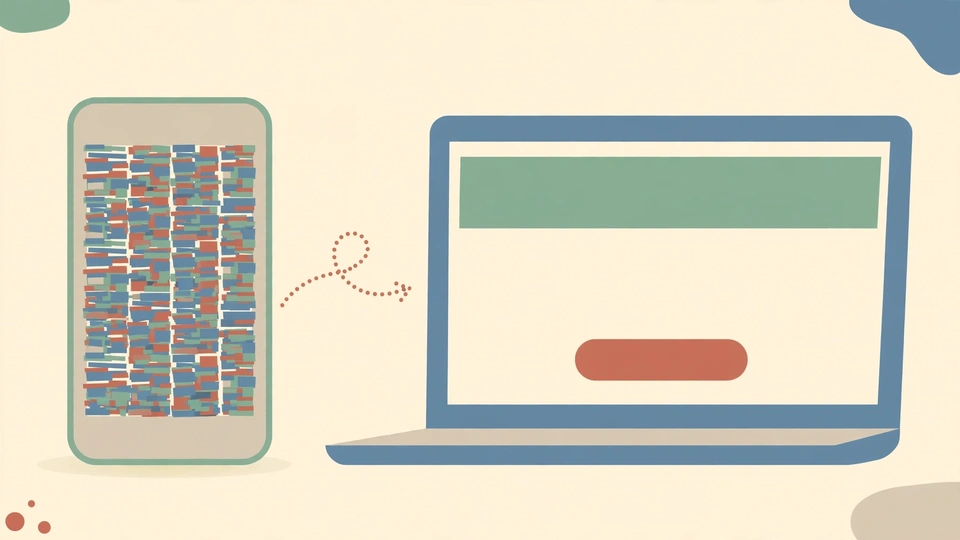
Open every main page on your own phone, on mobile data rather than office Wi-Fi. If text is tiny, buttons are hard to tap, the menu breaks, or you have to pinch and zoom, this sign applies — and it is the most expensive one on the list. Most visitors are on mobile, and Google looks at the mobile version first when ranking. A site designed for desktop and squeezed onto a phone is a structural problem; patching it page by page usually costs more than rebuilding it mobile-first.
2. It is slow to load
Time your homepage on mobile data. If it takes more than three seconds to show its main content, visitors are leaving before they read a word. The direction of the evidence has been consistent for years: slower pages lose more visitors, and the loss accelerates with every extra second. Treat three seconds as a practical ceiling, not a guarantee — the point is that speed is a conversion issue, not a technical nicety.
Speed problems do not always need a redesign. Run your URL through Google's PageSpeed Insights first. If the cause is a few oversized images, compress them. If the cause is a heavy theme, too many plugins, or a platform that cannot be made fast, the slowness is structural, and a rebuild is the honest answer.
3. Visitors arrive but almost nobody contacts you
Compare visits with calls and form submissions in your analytics. If traffic is steady but enquiries are flat or falling, the site is failing at its one job — usually a headline that does not say what you do, no clear next step without scrolling, or a form that is too long or broken. Traffic that never contacts you is an audience, not a pipeline. If one page converts badly, redesign that page; if every page does, the structure and message need to change together.
4. You cannot update it yourself
Try changing one line of text yourself — opening hours, a price, a team member. If that means emailing a developer who has moved on, or waiting a week for a small change, your site will drift out of date, and stale sites lose trust. A rebuild on a platform your team can actually use is the fix — not a prettier version of the same locked system. "My team must be able to update this without a developer" should be a written requirement in any redesign brief.
5. It no longer describes your business
Read your menu and service pages as if you were a stranger. Do they list services you stopped offering? Are new services missing? Has your brand changed — new logo, new colours, new positioning — while the website still shows the old one? Businesses change, and a site that describes the business you were five years ago gives every new visitor the wrong picture.
Small changes — updating a service page, swapping photos — are a fix when the design still fits your brand. A new positioning, a new audience, or a full rebrand usually calls for a redesign, because the message and the design need to change together.
6. You are embarrassed to send people to it
This sign sounds unscientific, and it is the most reliable one in the list. If you would rather describe your business in a meeting than send the link, if you apologise for the website before sharing it, or if you avoid putting it on a proposal, your visitors have already reached the same conclusion — they just leave instead of telling you.
First impressions form fast, and design carries most of the weight. Agency guides widely repeat two figures — 94% of first impressions being design-driven, and 75% of users judging credibility from website design — but neither was verified against a primary source for this article, so treat them as directional, not as facts.
7. It shows warnings, errors, or a copyright year from years ago
Browser security warnings, a missing padlock, broken contact forms, missing images, and a footer that still says 2021 all tell the same story: nobody is looking after this site. Visitors read that as a signal about the business, not just the website. Check for "not secure" warnings, expired certificates, and update warnings in your dashboard. Security and maintenance problems should be fixed immediately whether or not you redesign — but a platform so old it cannot be updated safely is itself a reason to rebuild.
8. It cannot do what you need it to do
List the features you have asked for and been told are "not possible": online bookings, payments, a shop, lead capture, a customer login. If the platform cannot support them, patching around it will cost more over a year than rebuilding on one that can. This is a foundation problem, not a design problem — and foundations are replaced, not redecorated.
9. Your rankings and traffic keep sliding
An old site does not hurt you on Google because of its age. It hurts you because of what tends to come with age: slow loading, poor mobile experience, thin or outdated content, and missing technical basics. If organic traffic has fallen steadily while competitors' sites have improved, check the technical side first — Core Web Vitals, mobile usability, and whether your pages still answer the questions people actually search for.
There is also a newer cost the older guides do not mention: AI search. Google's AI Overviews, ChatGPT Search, and Perplexity cite pages with clear, quotable, up-to-date answers. A site with thin pages and no clear answer blocks gives those systems nothing to cite. A redesign that rebuilds content as well as design is also an AI-visibility fix; paint alone is not.
10. You cannot measure what is working
If you cannot tell which pages bring enquiries, which ones visitors leave immediately, or whether anyone uses the contact form, you are deciding blind. A site without analytics, or with analytics nobody has looked at in a year, cannot be improved — it can only be guessed at. Any redesign should start by fixing measurement, so the new site can prove whether it is better than the old one.
How do you test a website in 10 minutes?
Open your homepage on your phone using mobile data, time how long the main content takes to appear, and run the URL through Google's PageSpeed Insights. Then try changing one line of text yourself, and ask a stranger to look at the homepage for five seconds and say what the business does. Those four checks expose redesign problems fast.
The PageSpeed Insights check is the most useful of the four, because it measures your site against Google's own thresholds, called Core Web Vitals. Google Search Central states the "good" targets plainly: Largest Contentful Paint (LCP) — how fast the main content loads — within 2.5 seconds; Interaction to Next Paint (INP) — how quickly the page responds — under 200 milliseconds; and Cumulative Layout Shift (CLS) — whether the layout jumps around as it loads — under 0.1. Those three numbers are the scoreboard. A site that passes all three on mobile is in good shape on speed; a site that fails all three has a structural problem, not a cosmetic one.
| Check | How to do it | Pass looks like |
|---|---|---|
| Mobile test | Open every main page on your phone, on mobile data | Text readable, buttons tappable, menu works |
| Speed test | Run the URL through PageSpeed Insights | LCP under 2.5 seconds, INP under 200 ms, CLS under 0.1 |
| Edit test | Change one line of text yourself | Done in minutes, no developer needed |
| Five-second test | Show the homepage to a stranger for five seconds | They can say what you do and who it is for |
| Enquiry test | Compare visits with calls and form sends | Enquiries track with traffic, not flat while traffic grows |
Does your website need a redesign, or just a refresh?
A refresh is enough when the site works on phones, loads quickly, your team can update it, and the structure fits your services. A redesign makes sense when the site breaks on mobile, every change needs a developer, your services or brand have changed, or you need features the platform cannot support. Rebuild when the platform itself fails.
The table below is the decision version of everything above. Use it after the ten-sign check, not instead of it.
| Problem | Usually a refresh | Usually a redesign |
|---|---|---|
| Out-of-date hours, prices, or services | Yes, update the content | Only if updating is impossible |
| Old or stock photos | Yes, swap in your own | If the layout cannot show photos well |
| Slow loading | If caused by a few large images | If the theme or platform is heavy |
| Poor mobile layout | Rarely | Yes |
| Cannot edit the site yourself | No | Yes |
| Brand has changed | New logo and colours only | If positioning or audience changed too |
| Needs bookings, payments, or a shop | No | Yes, rebuild on a platform that supports them |
How often should you redesign a website?
Review your site properly once a year, and expect a meaningful redesign every three to five years, depending on how much your business and the web have changed. A site that is reviewed yearly rarely needs an emergency rebuild, because problems are caught while they are still small fixes.
The yearly review is simple: run the four checks above, read your service pages as a stranger would, and compare your site with two competitors' sites on a phone. If nothing has changed and the checks pass, leave it alone. Redesigning on a schedule, rather than on evidence, wastes money just as surely as never redesigning at all.
The 10-minute self-audit: score your site
Score each sign from 0 (not a problem) to 2 (serious). Add up the total, then read the verdict. This is a rule of thumb, adapted from the scoring idea in the Sitelyx redesign guide — the thresholds are judgement, not science.
| Sign | 0 | 1 | 2 |
|---|---|---|---|
| Hard to use on a phone | Fine on mobile | Awkward on some pages | Broken on most pages |
| Slow to load | Passes Core Web Vitals | Slow on mobile data | Fails badly, visitors leave |
| Few enquiries | Enquiries track traffic | Enquiries flat | Almost none despite traffic |
| Cannot update it | Easy to edit | Needs help sometimes | Needs a developer every time |
| Outdated content | Current | Some old pages | Describes a different business |
| Embarrassed to share it | Proud to share | Hesitate sometimes | Avoid sharing it |
| Warnings or errors | None | A few small issues | Security warnings, broken forms |
| Missing features | Has what you need | One feature missing | Several features impossible |
| Traffic sliding | Stable or growing | Slow decline | Steady fall |
| Cannot measure it | Analytics reviewed monthly | Analytics exist, rarely checked | No working analytics |
Score 0–6: Fix what is broken and move on. One or two small problems do not justify a new website.
Score 7–14: A refresh is usually the right call — new copy, new images, fix the speed and mobile issues, and keep the structure.
Score 15 or more: A strong case for a redesign or rebuild. Three or more serious problems across design, mobile, and conversions rarely get fixed by patching.
If your score is 15 or more, the next step is not a quote. It is a one-page brief: what the business does now, who it serves, what the site must do (enquiries, bookings, sales), and what it must not do. Bring that brief to any agency, including AuraNexas, and the conversation will be about your business instead of about templates.
AuraNexas builds websites and redesigns the ones that have stopped working. Its own diagnostic tools follow the same principle as this guide — one clear question, answered honestly. Unslow diagnoses a slow Windows PC, DeadZoneDoc plans home Wi-Fi coverage, and PlayBudget is a comparison site AuraNexas built for choosing a gaming laptop on a budget. If your audit points to a redesign, visit AuraNexas and bring your score.
Want help with this?
AuraNexas builds AI automation, chatbots, websites, branding, and lead generation for small businesses. Tell us the one job in this guide that costs your team the most time, and we will scope it with you — no obligation, no invented promises.
Frequently asked questions
- How do I know if my website needs a redesign?
- Score the ten signs in this guide from 0 to 2. A score of 0–6 means fix what is broken; 7–14 usually means a refresh; 15 or more is a strong case for a redesign.
- What are good Core Web Vitals scores?
- LCP within 2.5 seconds, INP under 200 milliseconds, and CLS under 0.1, measured on mobile.
- How often should I redesign my website?
- Review it properly once a year and expect a meaningful redesign every three to five years, depending on how much your business and the web have changed.
About the author
AuraNexas Web Team — Web Lead, final-year BSc (Hons.) Agriculture student, The Islamia University of Bahawalpur (IUB). AuraNexas is a digital agency offering AI automation, chatbots and SaaS, web and app development, branding and UI/UX, lead generation, ads and cold email, AI UGC and video sales letters, e-commerce, and virtual assistance. Team: Web Lead (owner/CEO), Muhammad Waseem (AI automation), Ali Hasnain (AEO/GEO). No client results, testimonials, or revenue figures are claimed in this article.
Sources
- Google Search Central, "Understanding Core Web Vitals and Google search results" — LCP within 2.5 seconds, INP under 200 ms, CLS under 0.1. Confirmed on the page 17 Nov 2026 (page last updated 10 Dec 2025).
- ObtainTek, "When to Redesign a Website: 10 Clear Signs" — Age alone is not a reason; four or more signs usually point to a redesign. Listed in the draft's sources; not re-opened in this pass.
- Rock Solid Marketing, "Do I Need a Website Redesign?" — Signs in order of cost; refresh vs redesign table. Listed in the draft's sources; not re-opened in this pass.
- Websidyn, "Signs Your Business Website Needs a Redesign" — Age alone is not the problem; review yearly, redesign every few years. Listed in the draft's sources; not re-opened in this pass.